Find My Phone™
Best protection for your
Android device!
Find your lost, stolen or misplaced phone with
the original device recovery app for Android.
Find My Phone™
Best protection for your
Android device!
Find your lost, stolen or misplaced phone with
the original device recovery app for Android.
Find My Phone

Find My Phone Lite

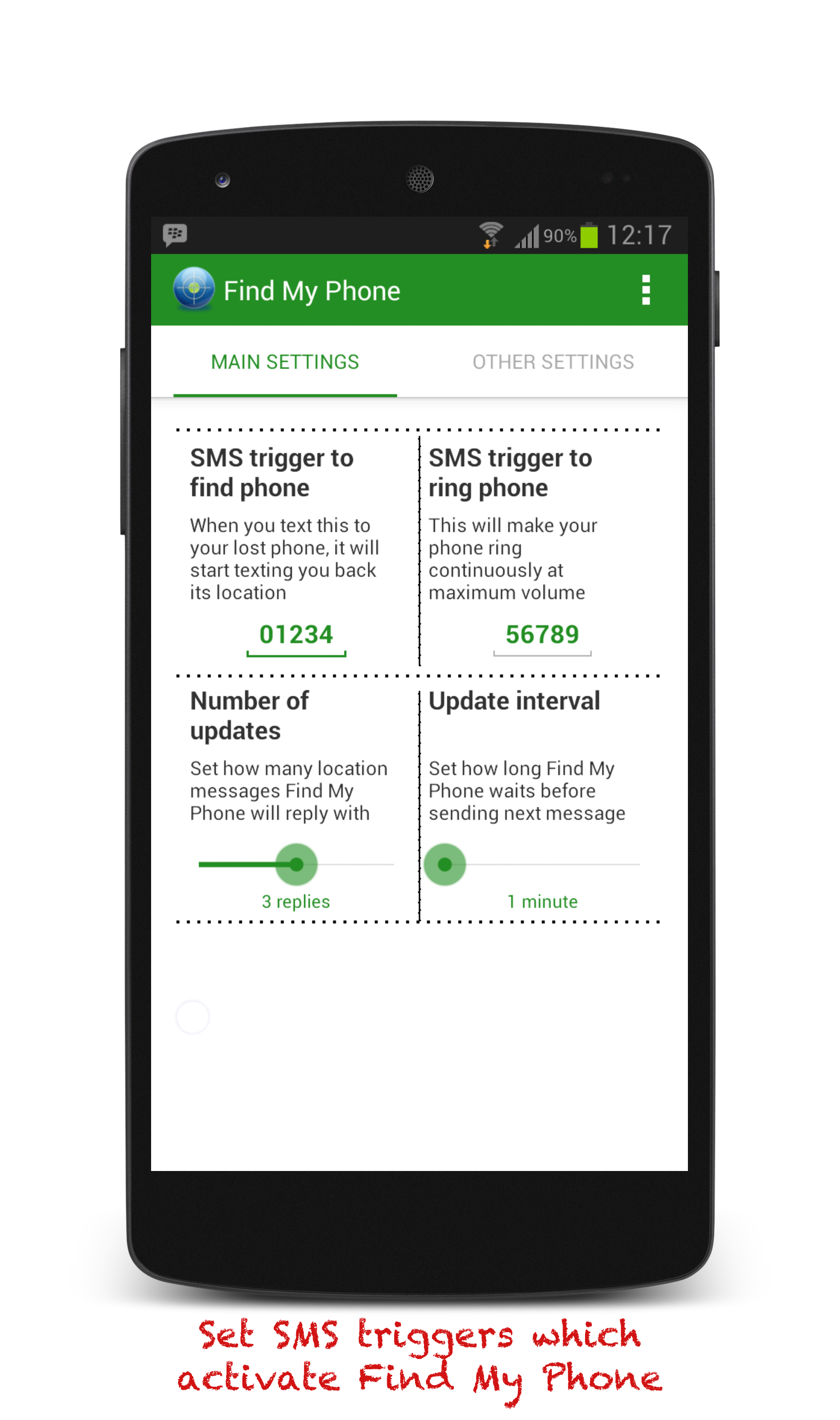
SMS your lost phone to
locate it
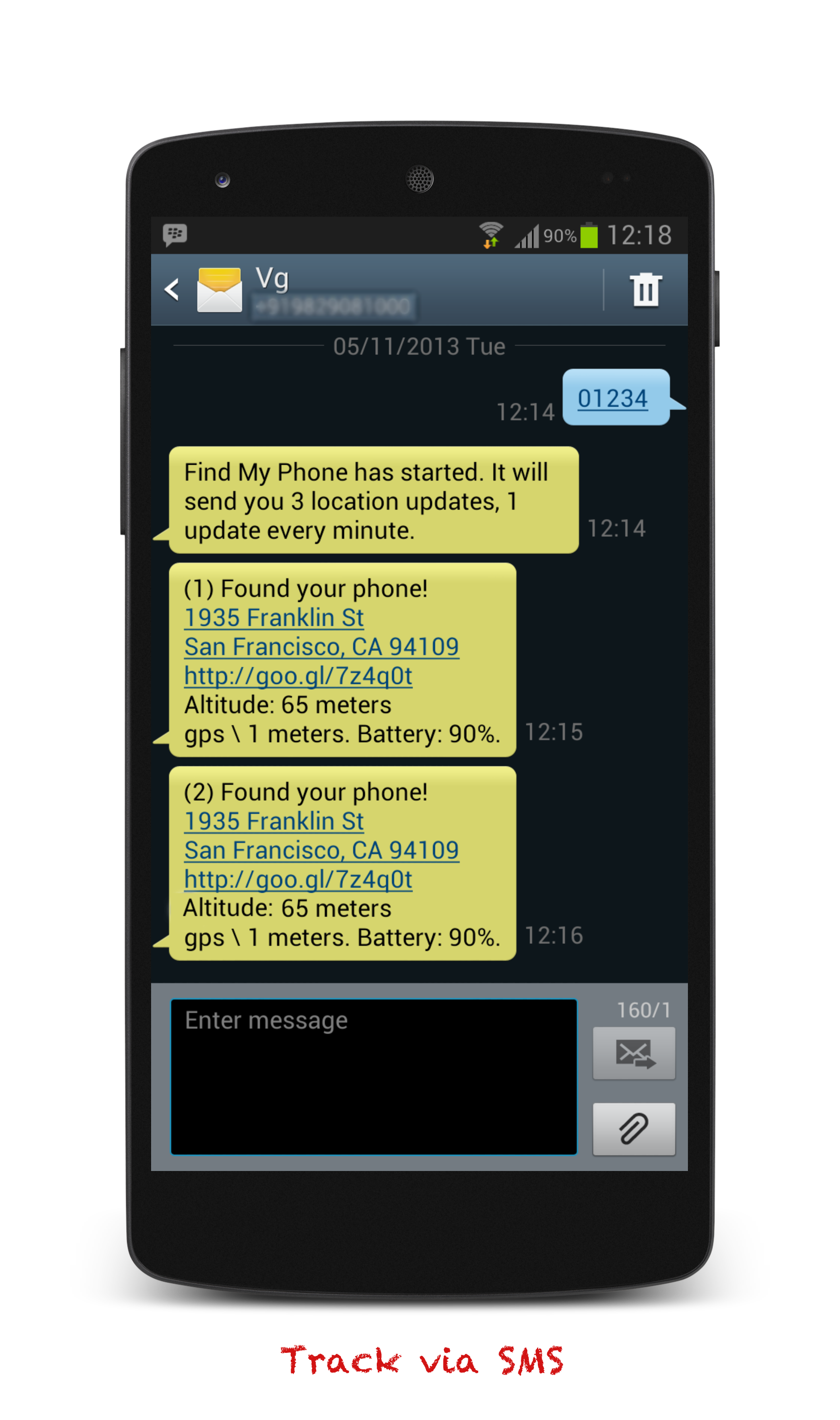
Send a text message to your phone and it will text
back it current location, or have it ring loudly if its
somewhere nearby

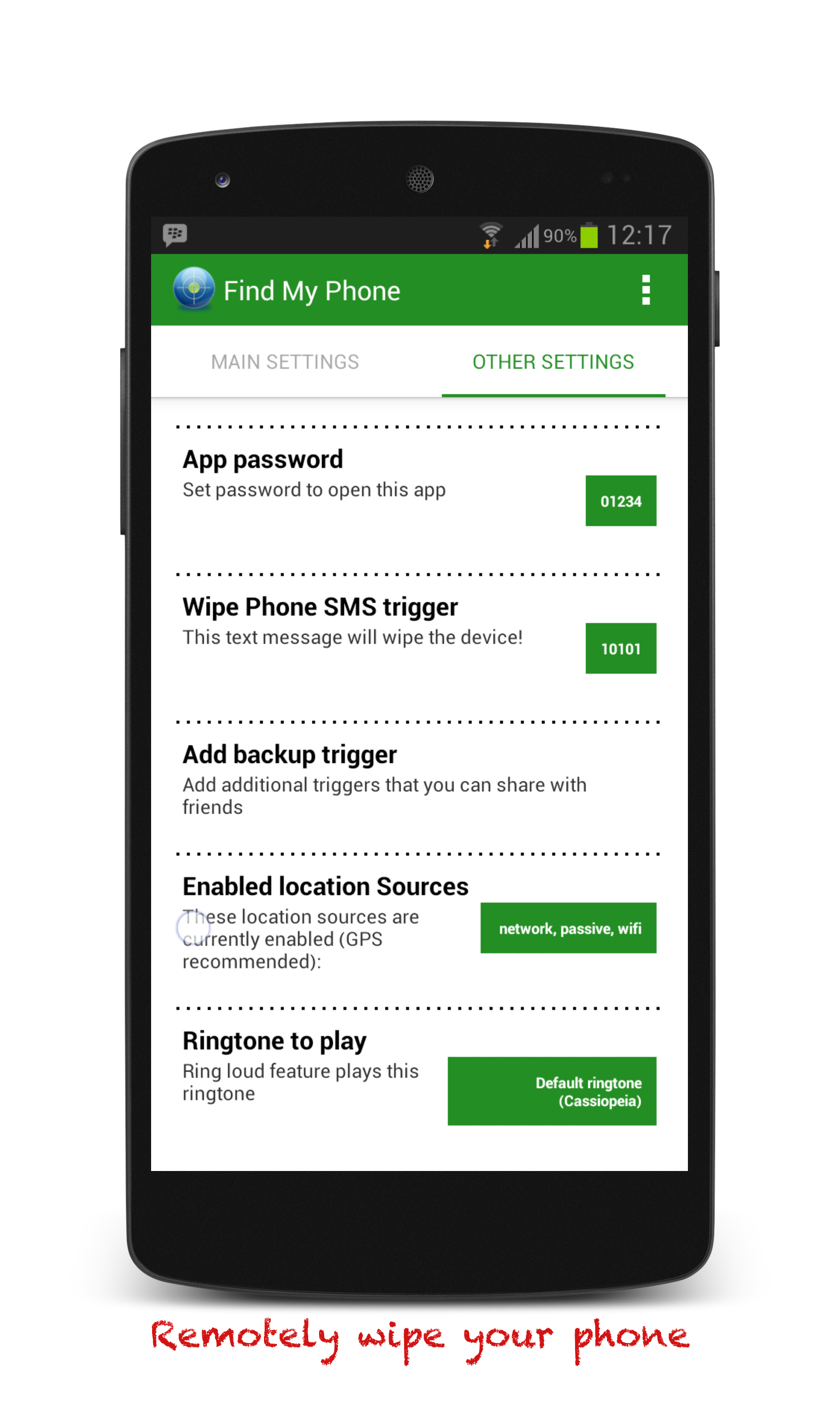
Wipe your phone data
remotely by SMS
Secure your emails, text messages, photos, notes,
calendar and more by remotely wiping your phone
with SMS.

Find out how much
battery is left
Know how much time you have before the phone
runs out of battery.

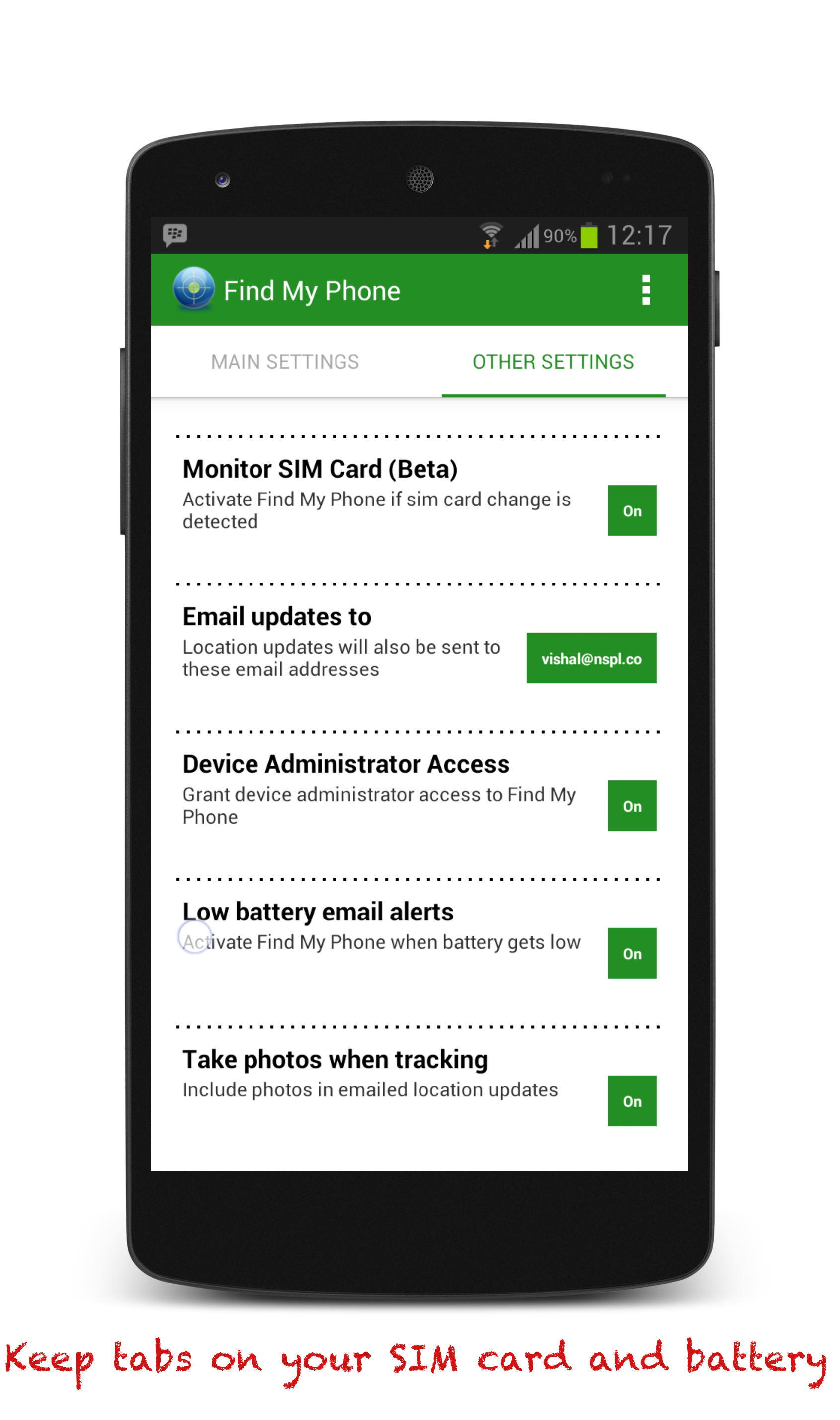
Get notified when the SIM
card is changed
Keep tabs on your phone's SIM card.
Awesome

They finely made an app worth downloading
Nat Twiddy
Saved me 659 dollars
Lost my phone and this app found it at the bus terminal lost and found. Can't say enough to thank-you!!!
Ray Brimhall
Love it!
You don't need 3G to locate your phone with this app, so you don't need any data connection to use it! Location finding is vert accurate as well! I recommend this app!
Patrick Howden
Great app
I can always find my phone and its really easy to use.
Termanator58
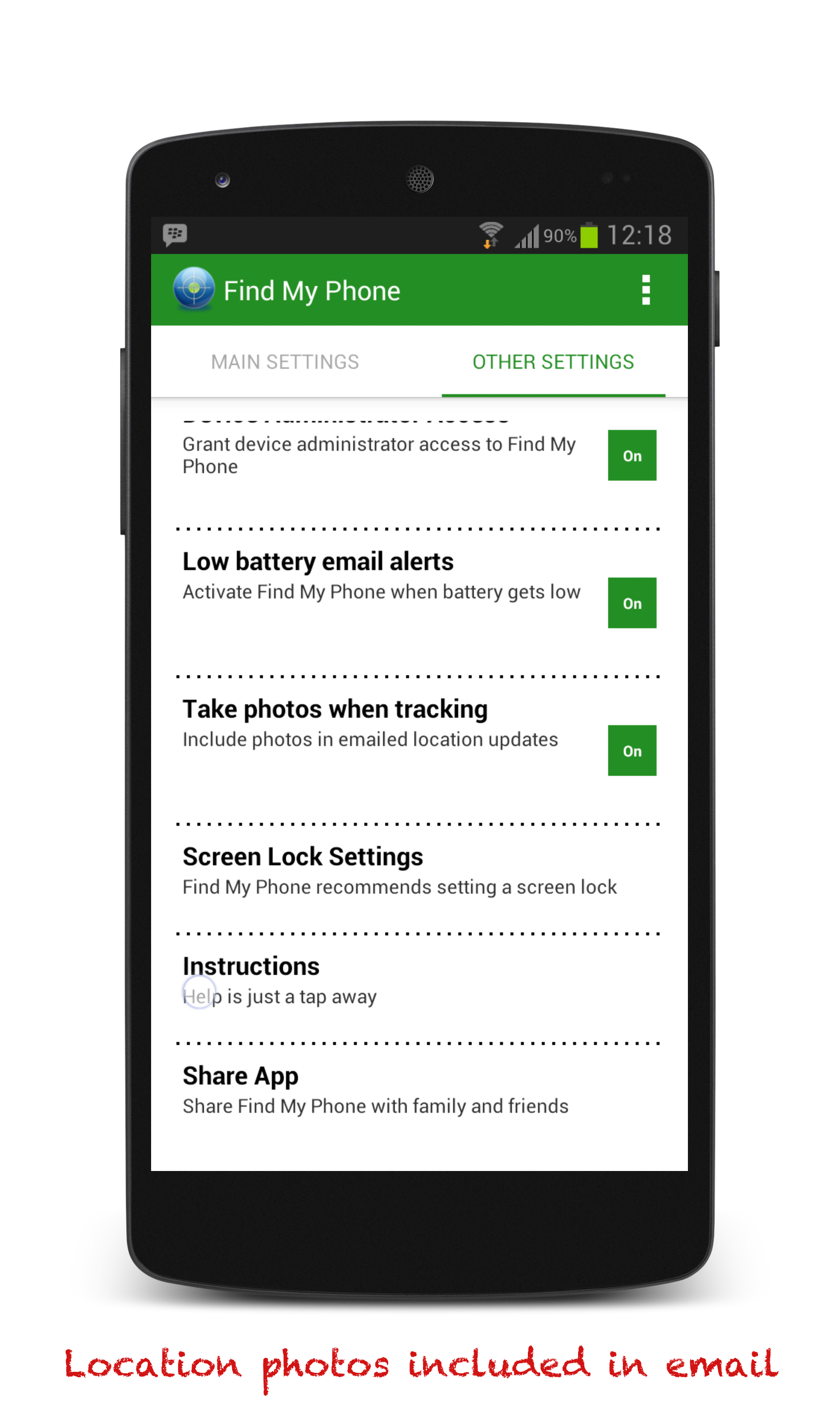
Take photos remotely (Beta)
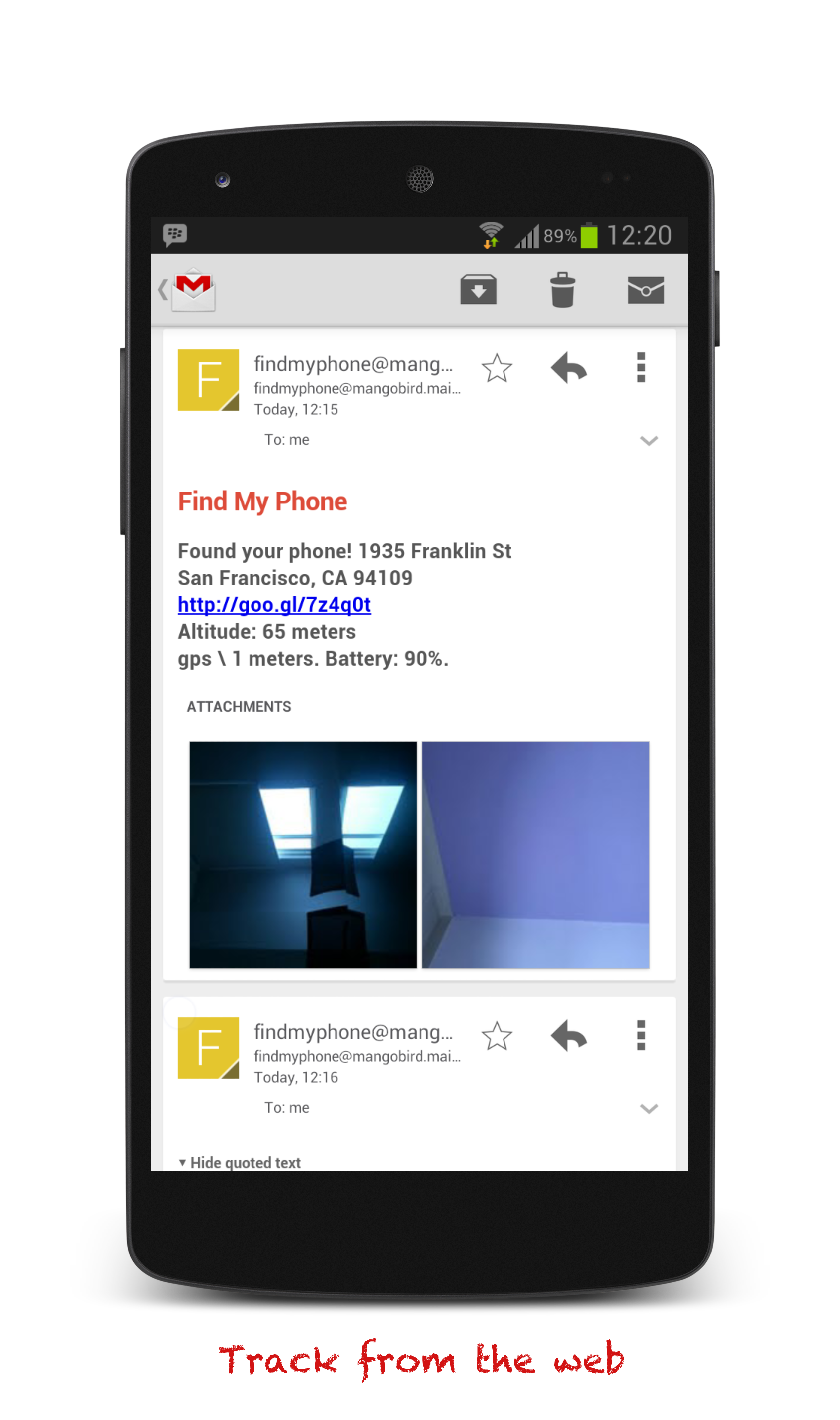
Want a visual of your phone's location possibly including a mugshot of the thief? Find My Phone will snap a photo of its current location and attach the pictures in email. Note: must be activated on device.
Low Battery alert flare
Want to keep tabs on your phone "before" the battery runs out? Turn on low battery alerts.
Remote Wipe (Factory reset)
Remotely wipe your phone if you think your device might be in the wrong hands. (Requires on-device set up.)
Brand New Design
A new, clean and interactive design.
Quick Start
Phone already lost?
Finding from the Web
Device Administration
Wipe phone
Find phone
Ring Phone
Tags
I have installed Find My Phone. Now what do I do?
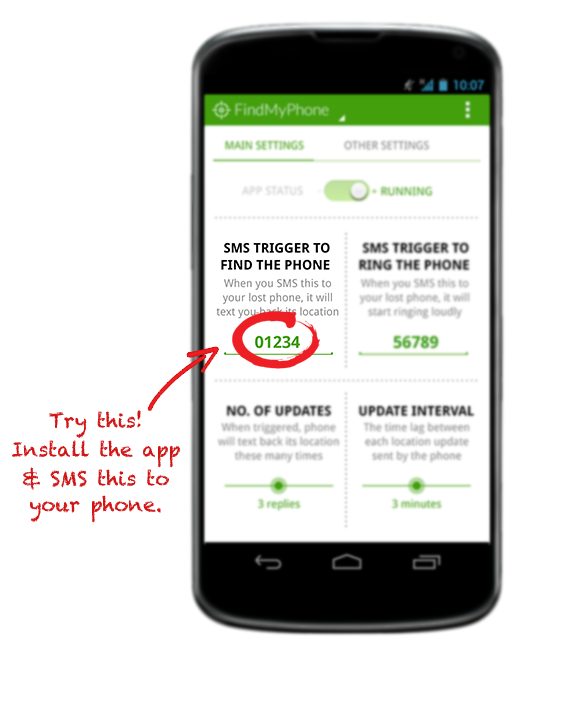
Text 01234 to your phone. For more details, see "How it works" above.
I sent the SMS trigger but I'm not getting any response!
There are many reasons why your device may not respond. It could be out of battery, or not having any cell reception. Remote installation only works on older devices. It may not have a data connection, in which case Find My Phone cannot send emails. We recommend installing other similar apps to give yourself best chance of finding your lost device. Start with Android Device Manager
Can I remotely install Find My Phone from the Google Play store AFTER I've lost my phone?
Yes, you can if your device has Android version 3.0 or lower. On devices 3.1+, the app gets installed but cannot run until you manually open the app. Note that if your phone has run out of battery or doesn't have a signal, Find My Phone will not respond.
Will it work if the phone is off?
Nope, but once the phone is turned on again, Find My Phone will get your SMS message and activate.
I just purchased the app but it's not downloading!
This is an issue with the Google Play, and has nothing to do with Find My Phone. Troubleshooting instructions are available here.
Does Find My Phone hide the trigger SMS so a thief can't see it?
Yes, Find My Phone tries to consume the SMS so that the standard Messaging app never sees it. However, advanced text messaging apps like Go SMS may still intercept the SMS and display it.
I'm tracking remotely but I'm not getting any emails.
First, check your Spam/Trash folders. You email provider may have marked it as Spam by mistake. Secondly, the phone can only send emails if it has a data connection and has not run out of battery.
I forgot the app password so I can't get in.
You can uninstall app and reinstall it free of charge. You now have a clean installation that you can reconfigure.
Do I need to keep GPS on at all times?
Find My Phone can automatically turn on GPS for devices with Android v2.2 and below and wifi in most cases. It is still recommended that you keep these turned on.
Won't having GPS on at all times drain the battery?
GPS is only turned on when you are actually running apps that utilize GPS. So If you're simply talking on the phone, GPS is not active and not draining the battery. Moreover, if you charge your phone every day or two, you will probably not notice the battery drain.
I have Go SMS Pro installed and Find My Phone isn't working.
Go SMS intercepts SMS messages first and can then refuse to share the message with any other apps, so Find My Phone never sees your SMS messages. In Go SMS, make sure "Disable other message notification" is unchecked. This setting can be found in Go SMS -> menu -> Settings -> Advanced -> Receive Settings.
I have Handcent installed and Find My Phone isn't working.
Handcent intercepts SMS messages first and can then refuse to share the message with any other apps, so Find My Phone never sees your SMS messages. Do this in Handcent: Menu -> Settings -> Application Settings -> Default Messaging application -> Disable.